 COME
COMERead a COME help category before opening a ticket
A relevant help category can clarify the question before you submit an account-specific request. Use it to identify the task and exact unresolved step.
Choose by symptom
General topics include password, network and verification-message questions. Pick the topic that matches the current screen. A download error and an account transaction question need different context even if both prevent you from continuing.
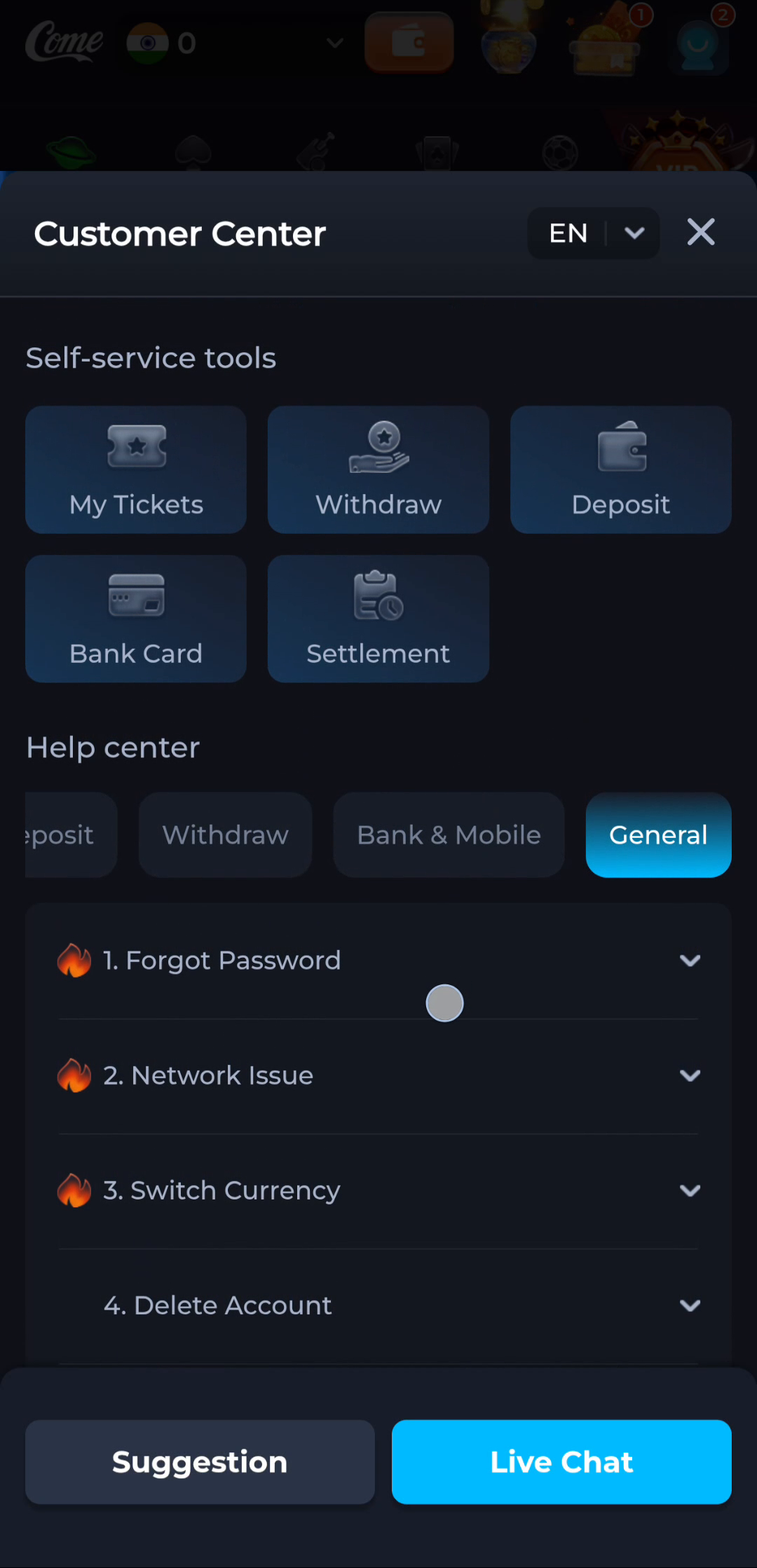
Try only relevant guidance
Follow the current answer where it applies to your situation. Record the outcome of a deliberate check. Do not combine several unrelated fixes or clear app data just because a general topic mentions an issue.
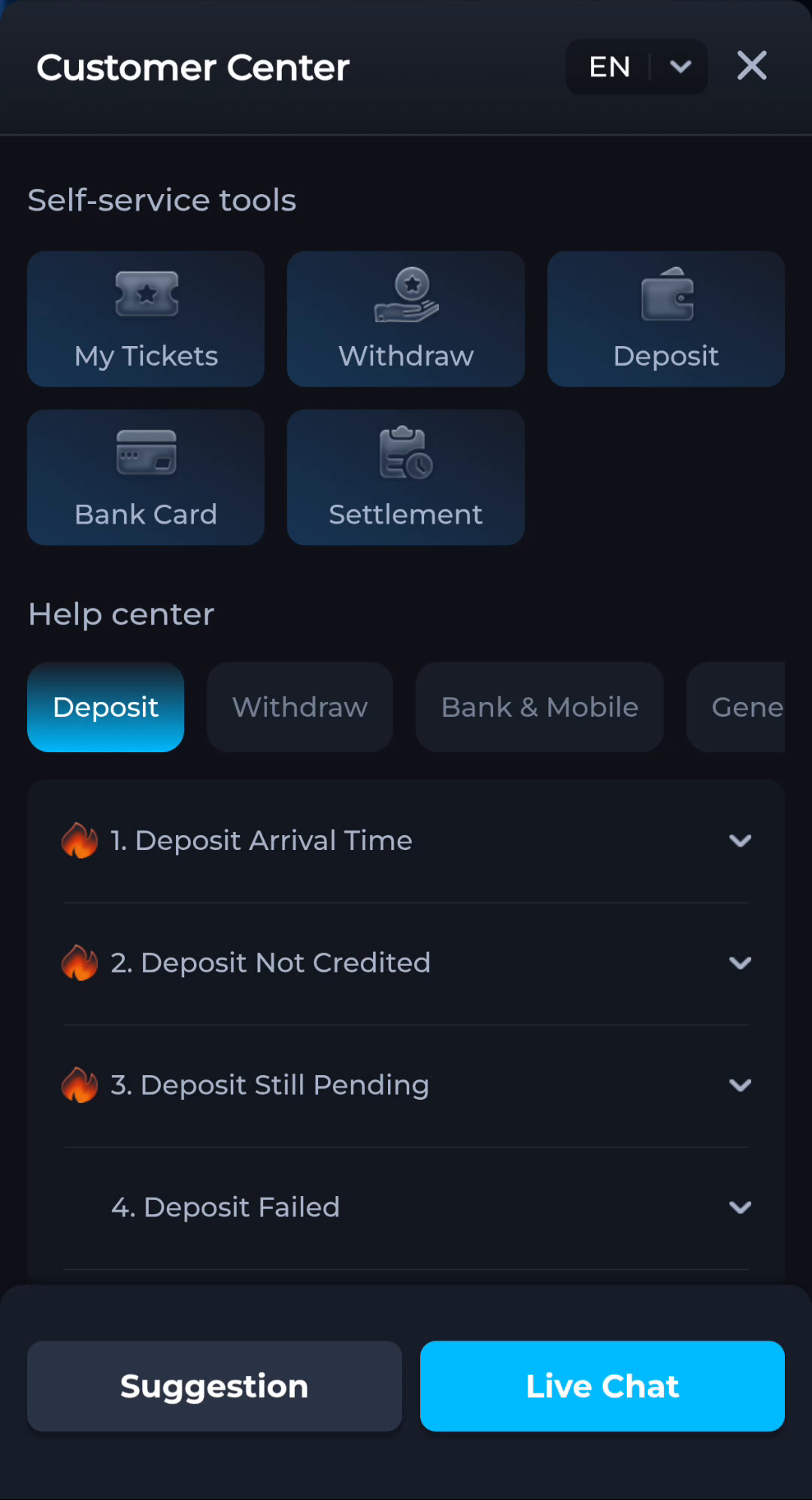
Escalate the remainder
If the answer does not resolve the specific problem, use the current support route and explain what remains. Include the exact error and relevant time without passwords, OTPs or payment secrets.
A useful next step
Continue with either the clarified task or a focused request through the displayed Customer Center.